Download GB WhatsApp for Web
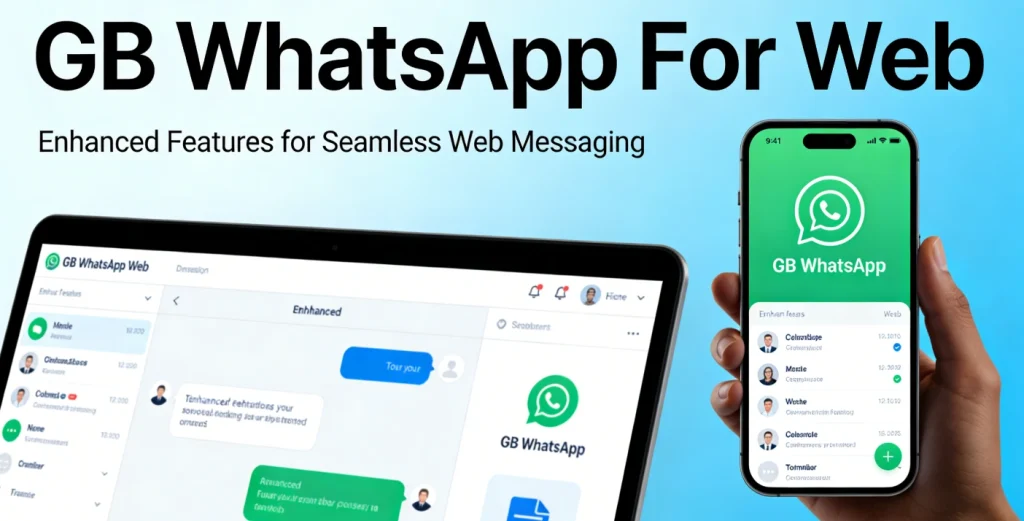
GB WhatsApp for Web allows users to access their chats directly from a desktop browser. It works similarly to the web version of the official WhatsApp platform, enabling message syncing between your Android device and computer.
Since GB WhatsApp is a modified version of WhatsApp, it does not have its own independent web server. Instead, it relies on WhatsApp Web infrastructure for browser access.
Can You Use GB WhatsApp on Web?
Yes, but with limitations.
GB WhatsApp does not provide a separate “GB Web” platform. To use it on a browser:
- You must have GB WhatsApp installed on your Android device
- Your phone must stay connected to the internet
- You log in via WhatsApp Web QR code
This means the web version mirrors your mobile app activity.
How to Use GB WhatsApp for Web
Follow these steps:
- Open your browser and go to the official WhatsApp Web site
- On your phone, open GB WhatsApp
- Tap the three-dot menu
- Select “Linked Devices”
- Scan the QR code shown on your computer
Once scanned, your chats will sync instantly and you can begin messaging from your PC or laptop.
Features Available on Web
When using GB WhatsApp via browser, you can:
- Send and receive messages
- Access group chats
- Send images and documents
- Download media files
- Reply quickly using your keyboard
Note: Some mod-exclusive features may not fully reflect on the web interface.
Limitations of GB WhatsApp Web
Because it relies on official web infrastructure, there are certain restrictions:
- Advanced privacy settings may not sync fully
- Theme customizations do not appear on browser
- Some anti-delete features work only on mobile
- Automation tools like auto-reply remain mobile-only
Users should understand that the web experience is primarily for messaging convenience.
Why Users Want GB WhatsApp for Web
Current user demand shows strong interest in:
- Using a keyboard for faster typing
- Managing business chats from desktop
- Sending files directly from PC storage
- Multi-tasking while working
For business users and power users, web access significantly improves productivity.
Is GB WhatsApp Web Safe?
Using GB WhatsApp with WhatsApp Web involves certain risks:
- Account suspension risk remains if using unofficial mods
- Session hijacking risk if logging in on public computers
- Data exposure if browser sessions are not logged out properly
Safety tips:
- Always log out from shared computers
- Avoid public Wi-Fi without protection
- Keep your GB WhatsApp updated
- Do not use suspicious browser extensions
Responsible use reduces security risks.
Troubleshooting Common Issues
QR Code Not Scanning
Ensure internet connection is stable and camera permission is enabled.
Session Logged Out Frequently
Check if your phone battery optimization is restricting background activity.
Messages Not Syncing
Reconnect your device or refresh the browser page.
These small fixes resolve most web access problems.
GB WhatsApp Web vs Official WhatsApp Web
Official WhatsApp Web offers:
- Full official support
- Better stability
- End-to-end encryption updates
- Lower account risk
GB WhatsApp Web offers:
- Access to modded mobile features
- Flexible privacy controls (mobile side)
- Extended file limits (mobile-based)
Users must decide whether customization benefits outweigh official stability.
Final Thoughts
GB WhatsApp for Web provides convenient browser-based messaging for users who want desktop access. While it does not have a separate server or independent web version, it can still function effectively through WhatsApp Web linking.
For best results, keep your mobile device connected, follow security precautions, and avoid misuse of mod features. Web access enhances productivity, especially for users managing multiple conversations daily.